Get the app
The Music Megastore is a fully functioning progressive web app. We’re not in traditional app stores because we don’t like middlemen either — they take 30% of app income as a fee. To add it to your Android or iPhone, here are three simple steps.
themusicmegastore.com
☰
Step 01
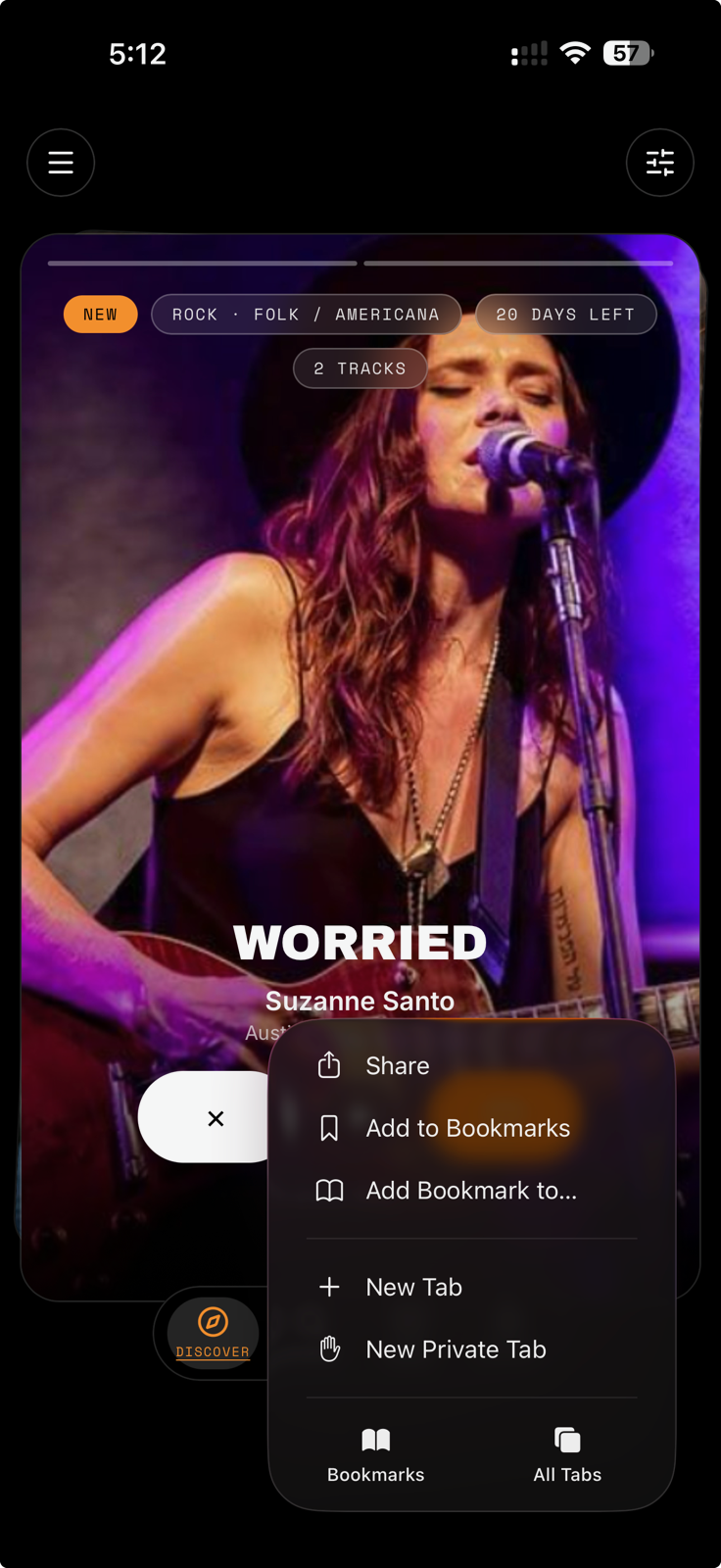
Open the menu
Visit The Music Megastore in Safari (iPhone) or Chrome (Android), then tap the Share or ⋮ menu button.
+Add to Home Screen
Step 02
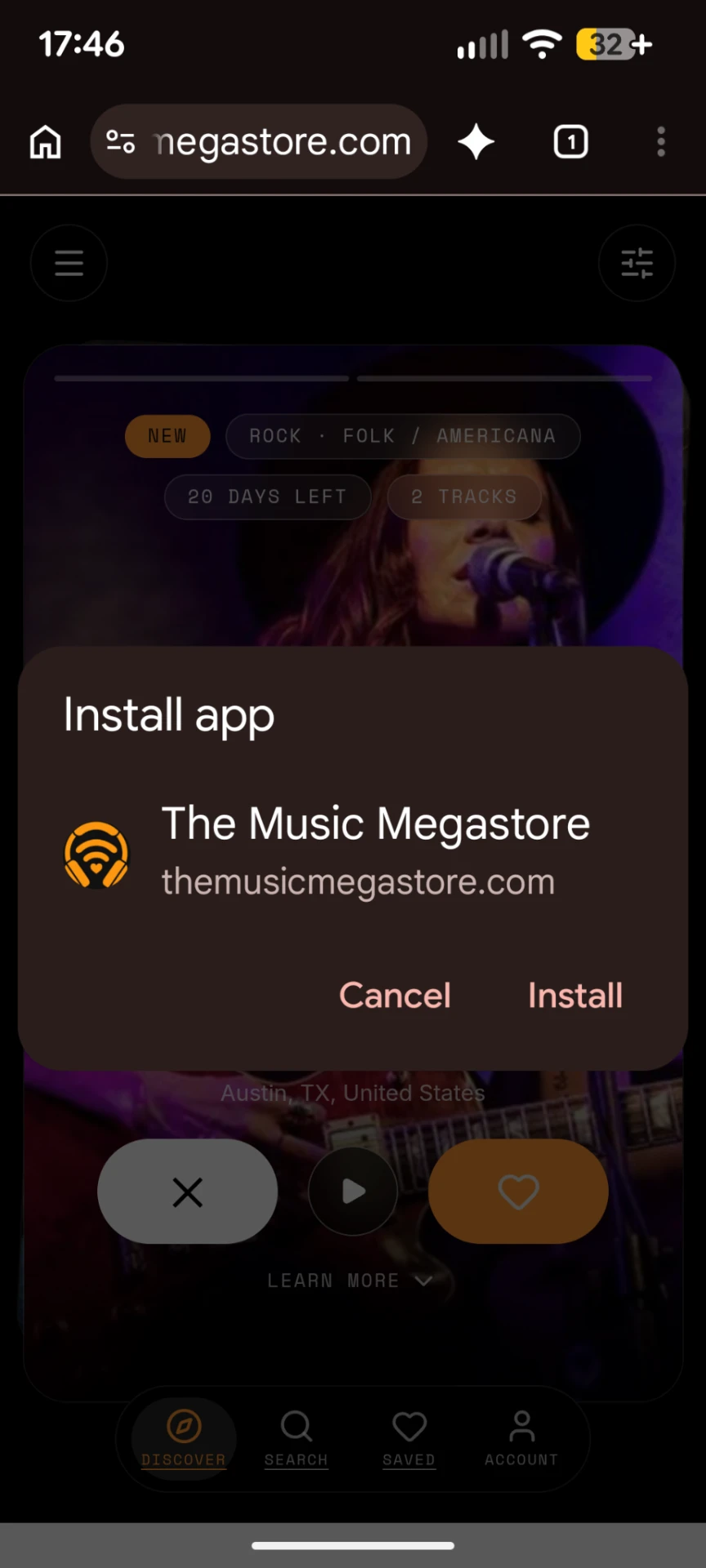
Add to Home Screen
Scroll through the menu and tap the “Add to Home Screen” option. It only takes a second.
◆
◆
◆
◆
♪
◆
◆
◆
◆
◆
◆
◆
Step 03
Launch it like an app
You’ll find The Music Megastore icon on your home screen. Tap it and start discovering new music.